App Screen
Choosing a style
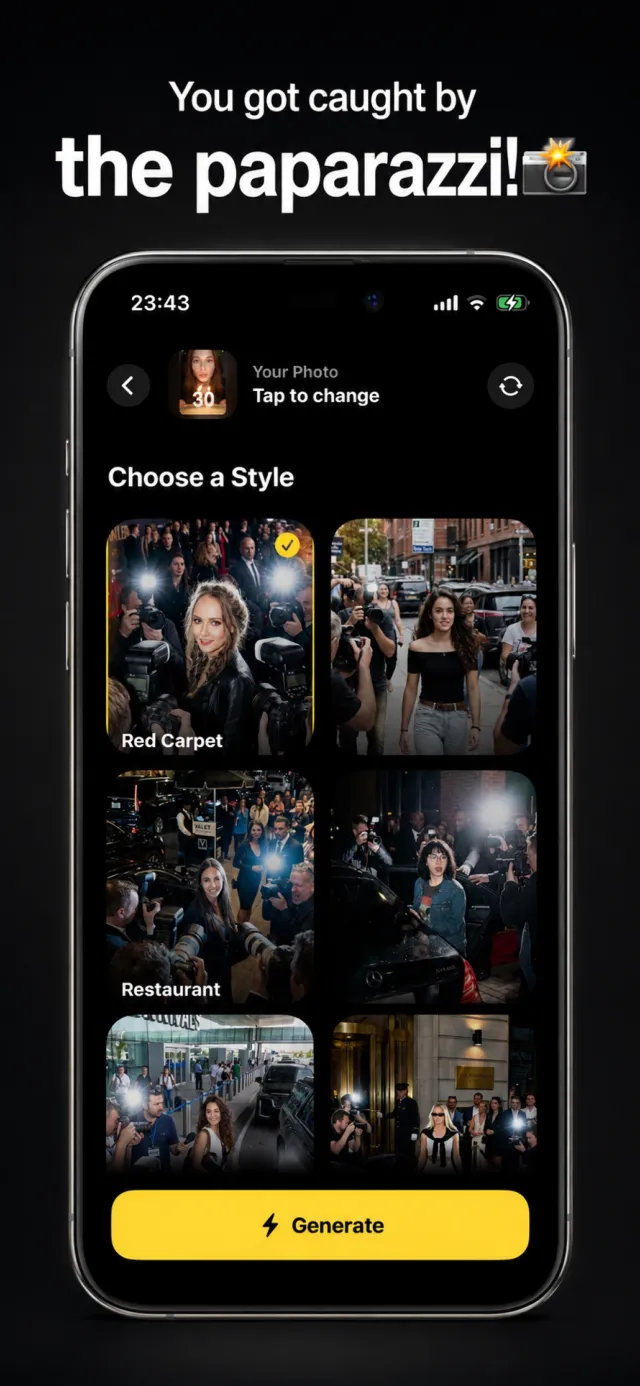
Once a photo is selected, the Choose a Style screen shows every paparazzi scene as a full preview thumbnail. Tapping one selects it — a yellow outline and checkmark mark the choice.
Your photo stays pinned at the top so you can swap it without losing your place. The Generate button runs the selected style on the selected photo.
Get caught by the paparazzi
Paparazzi AI is free to download on the App Store.