You just got caught by the paparazzi
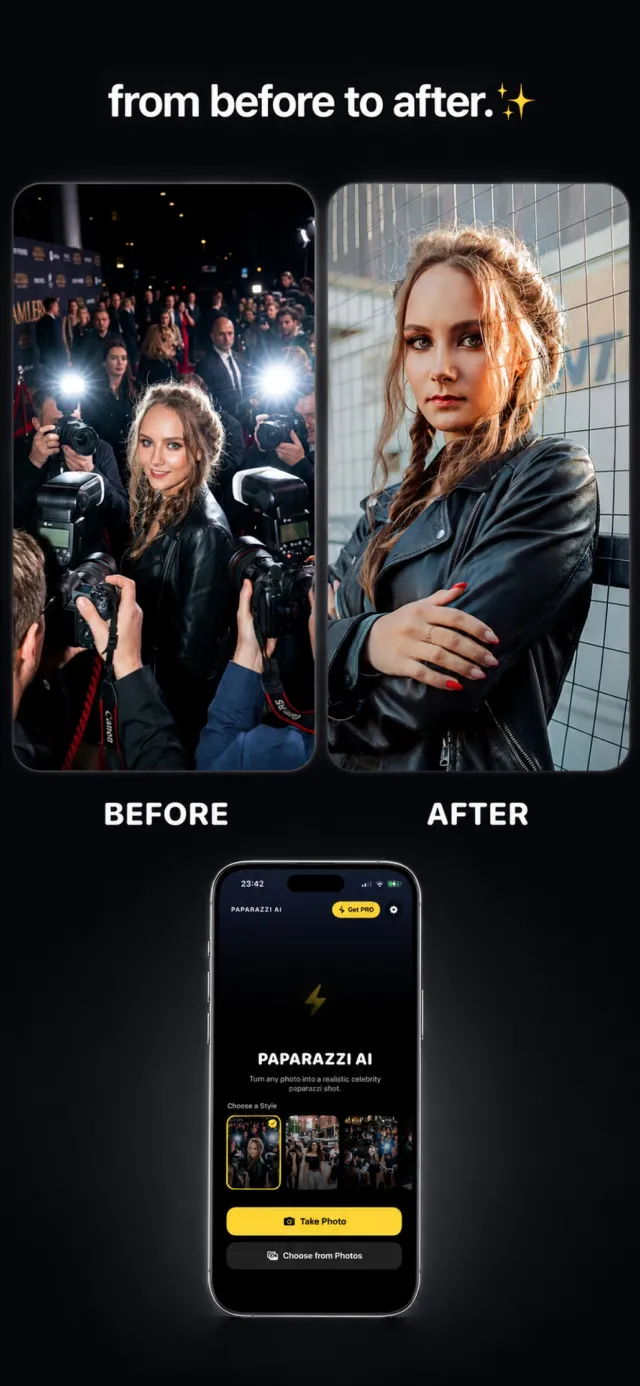
Turn any photo into a realistic, tabloid-style paparazzi shot — direct flash, a wall of cameras, and that caught-in-the-moment energy — with your face kept exactly you.
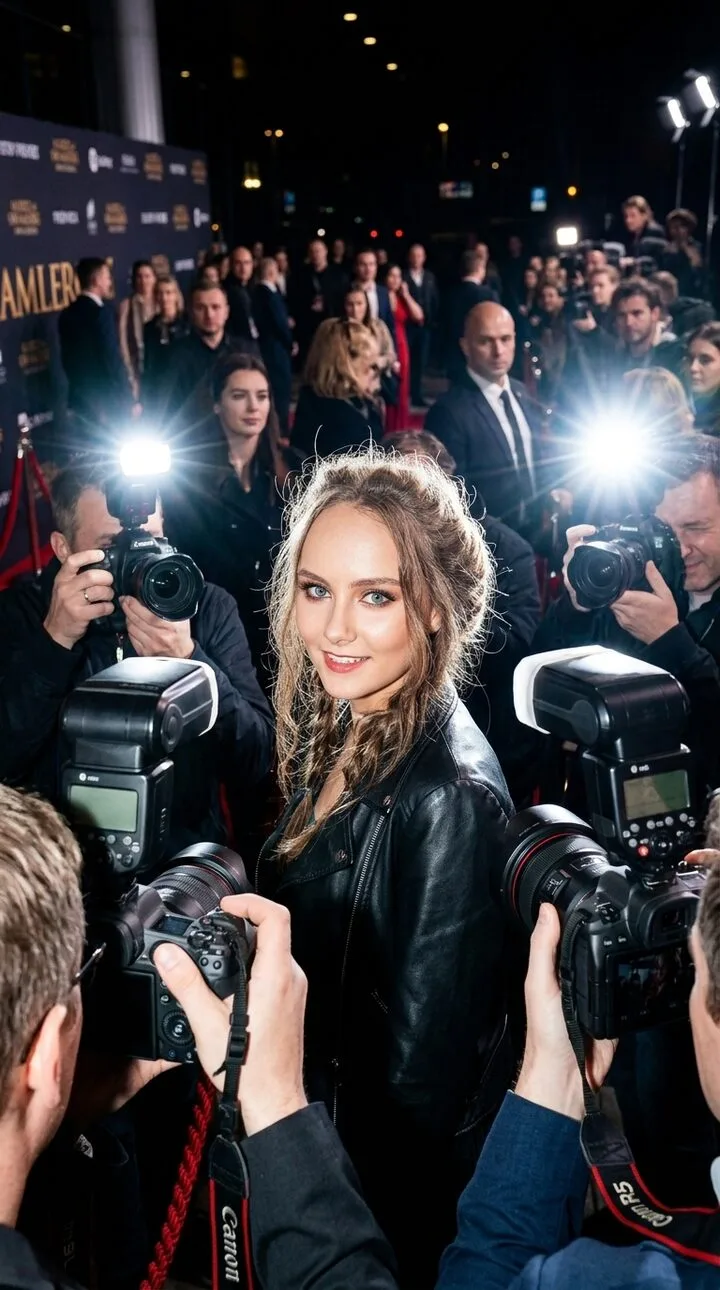
What is an AI paparazzi photo?
It's an AI-generated image that drops the person from your photo into a fictional paparazzi scene — the hard flash, the rope line, the crush of photographers, a rebuilt city background — while keeping your real face, hair, and proportions. It's for fun: a story post, a profile picture, a group-chat bit. It is not a real photograph, and it shouldn't be passed off as one.
10 paparazzi styles
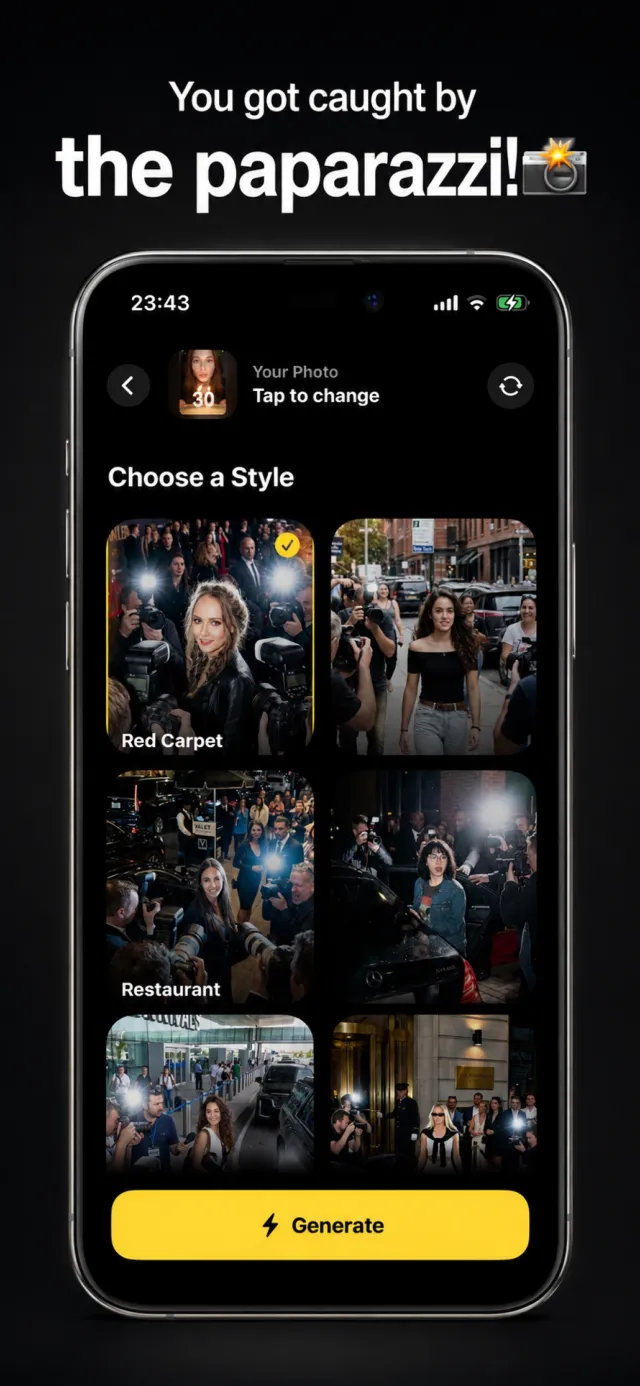
Every scene is a real preview from the app. Tap one to see it up close.
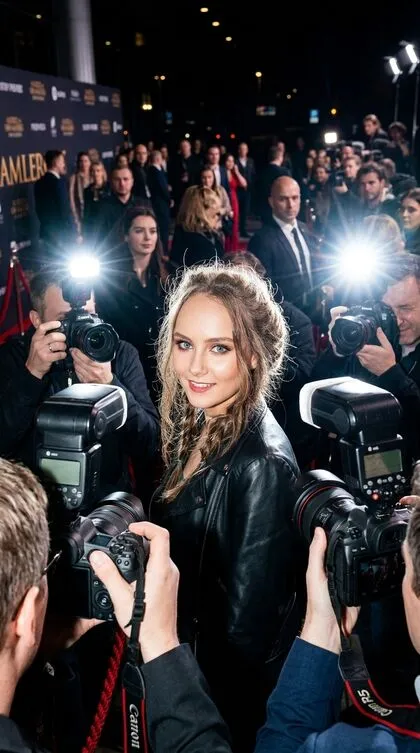
Red Carpet Exit Flash
Event exit, crowd of flashes
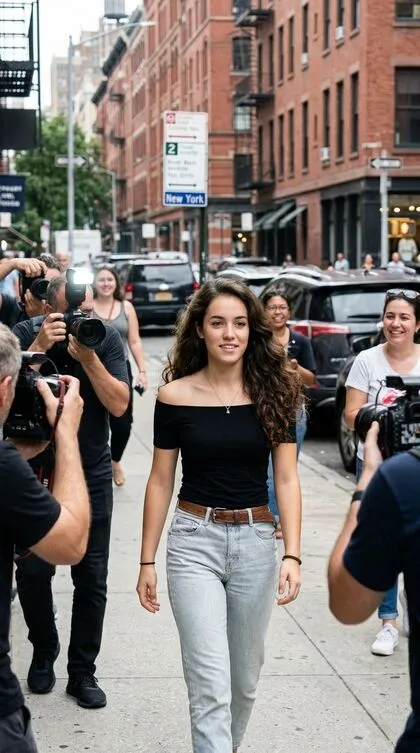
Sidewalk Pap Walk
Daytime street candid walk
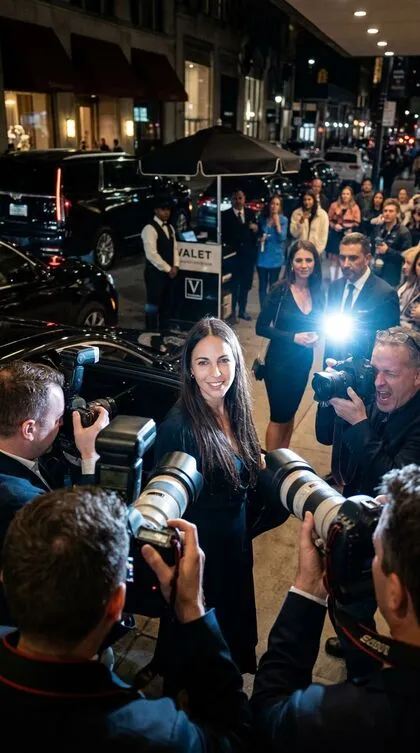
Restaurant Exit Crowd
Late-night restaurant exit flash
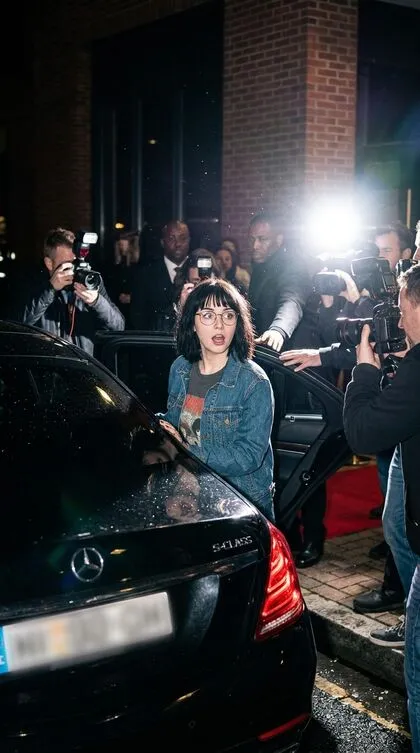
Car Backseat Entry
Entering the car, flash-lit
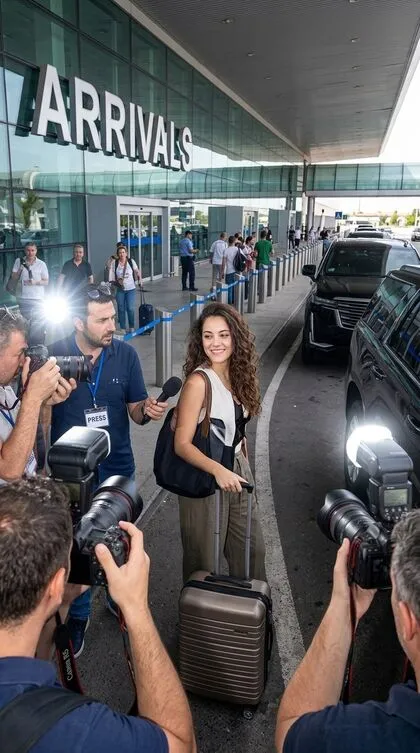
Airport Celebrity Arrival
Spotted at arrivals
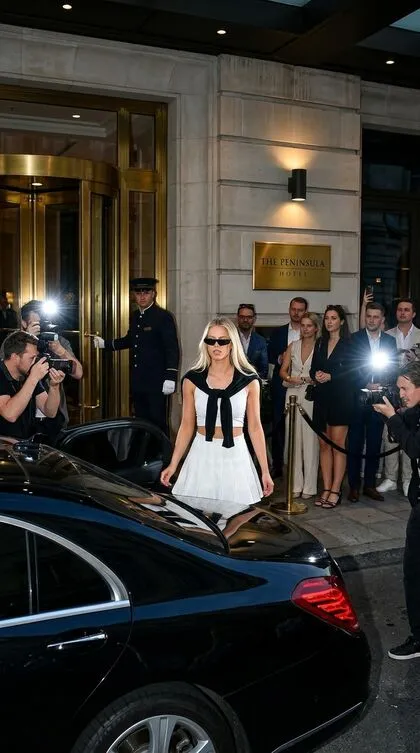
Hotel Entrance Flash Moment
Luxury hotel entrance flash
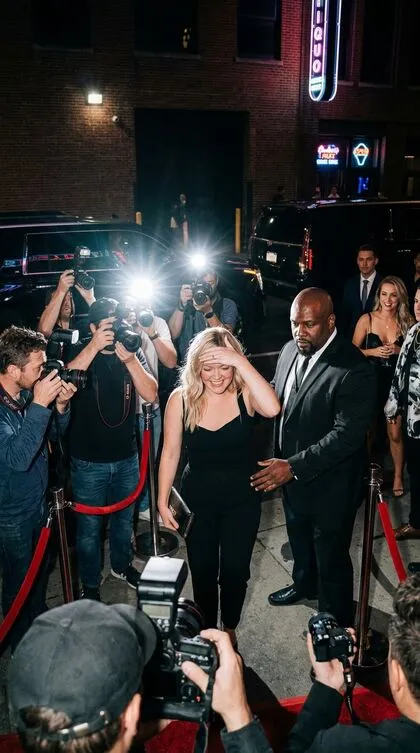
Nightclub Exit Celebrity Shot
Late-night club exit
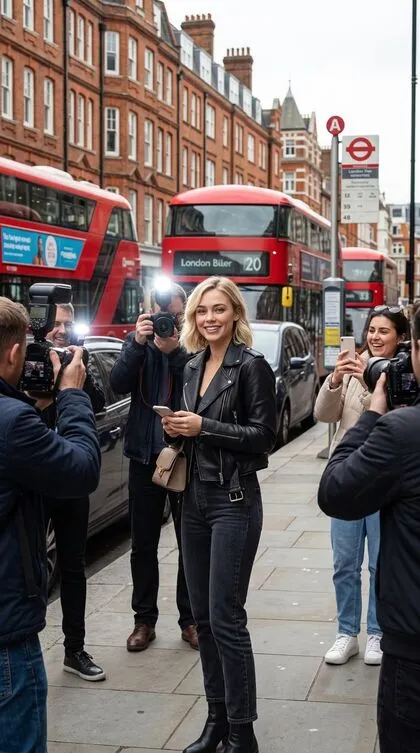
Fan Stop Street Moment
Stopped by fans on the street
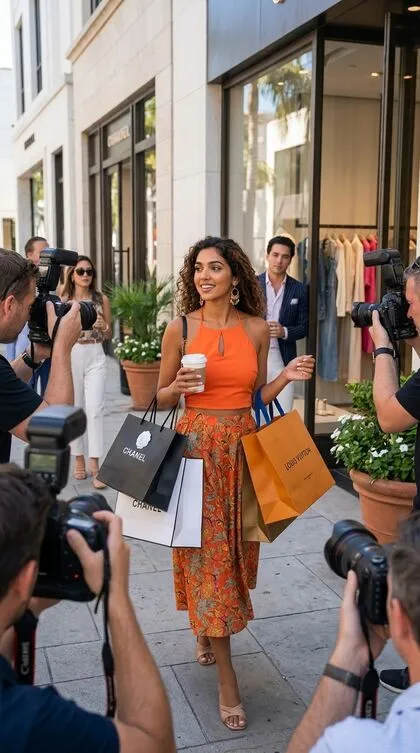
Shopping District Paparazzi
Caught shopping in style
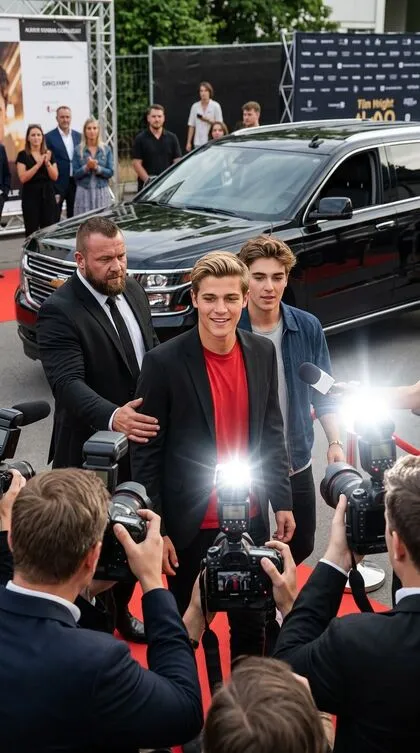
Event Arrival With Entourage
Arriving with the entourage
How it works
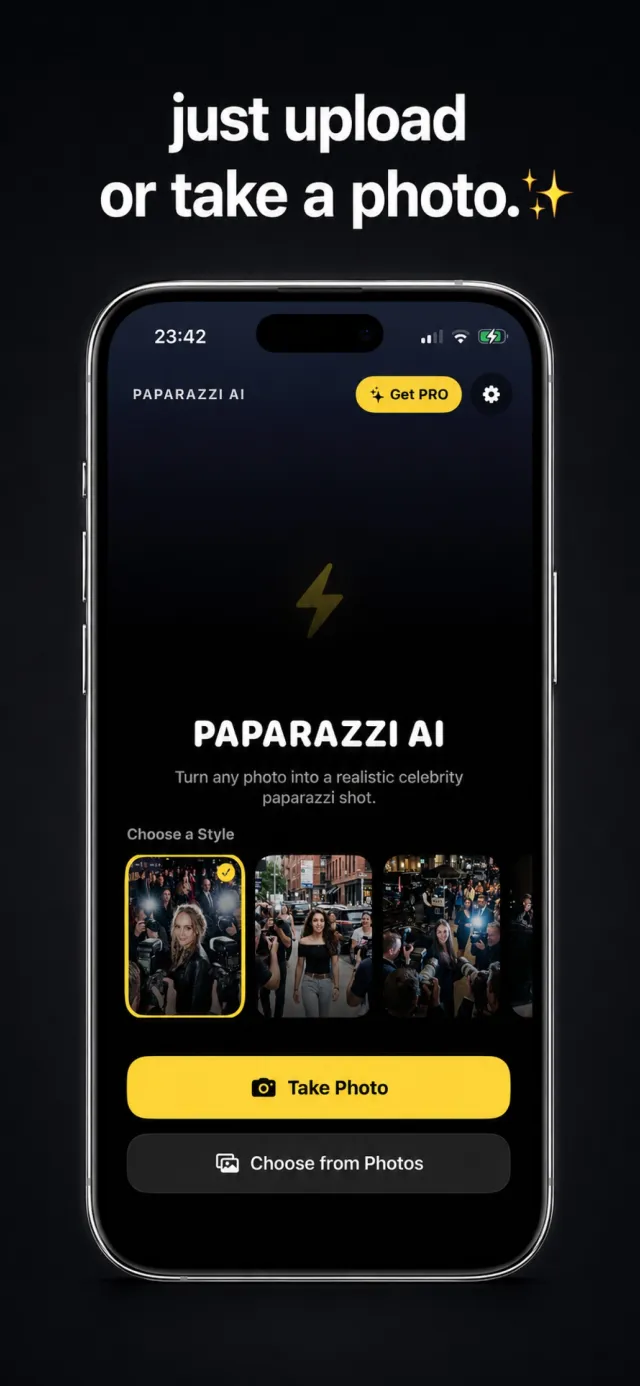
Add a photo
Take a new photo or pick one from your library. A clear, well-lit shot where your face is visible works best.
Pick a scene
Choose one of 10 paparazzi styles — red carpet, sidewalk walk, nightclub exit, and more. Each has a real preview.
Get your shot
Generate in seconds. The AI rebuilds the flash, the crowd, and the background around you, then you save or share.
Why people use it
Your face stays your face
Every style strongly preserves your eyes, nose, lips, skin tone, hair, and proportions. Only the scene around you changes.
10 paparazzi scenes
Red carpet, sidewalk, restaurant, car, airport, hotel, nightclub, fan stop, shopping, and entourage arrival.
Done in seconds
No long render. Pick a style, add a photo, and the shot is ready almost immediately.
Share-ready
Every shot comes out in a clean, social-media format for stories, posts, and group chats.
No account
You never sign up. Your photo goes to the AI provider only to make the image and isn't kept on our servers.
A weekly allowance
Subscriptions include a set number of shots per week — 7 on Weekly, 10 on Yearly — that reset on a rolling cycle.
Frequently asked questions
Are these real photos?
No. Paparazzi AI generates a fictional scene from your photo. Nothing in the result is a real event or a real press photo — it's an entertainment app. Don't present the results as genuine news.
Will it still look like me?
Yes — that's the point of the app. Every style is built to preserve your facial identity, hair, skin tone, and body proportions. It only changes the lighting, background, camera look, and the crowd around you.
How many styles are there?
Ten: Red Carpet Exit Flash, Sidewalk Pap Walk, Restaurant Exit Crowd, Car Backseat Entry, Airport Celebrity Arrival, Hotel Entrance Flash Moment, Nightclub Exit Celebrity Shot, Fan Stop Street Moment, Shopping District Paparazzi, and Event Arrival With Entourage.
How long does a shot take?
A few seconds. There's no long background render.
What does it cost?
The app is free to download. Two subscriptions include a weekly allowance of shots: the Weekly plan includes 7 per week, and the Yearly plan includes 10 per week for the same low weekly cost, billed once a year. The allowance resets weekly and doesn't roll over. There are no free starter shots.
Do I need an account?
No. Paparazzi AI never asks you to sign up. Your photo is sent to the AI provider only to generate the image and isn't stored on our servers.
What photo works best?
A clear, well-lit photo where your whole face is visible and unobstructed. A half or full-body shot gives the scene more to work with than a tight head crop.
Which devices are supported?
iPhone running iOS 16.6 or later.
From the blog
The culture, the flash, the tech, and the tips.
A Short History of the Paparazzi
Where the word comes from, how the trade grew, and why the flash-lit celebrity photo became a genre of its own.
Flash Photography, ExplainedWhat Direct Flash Does to a Photo
The specific visual effects of a flash mounted on the camera, pointed straight at the subject.
How AI Photo Generation WorksHow a Photo Becomes a New Scene
A plain-language look at what an AI image-editing model does when it drops you into a paparazzi shot.
The 10 StylesThe Red Carpet Exit Shot
What's happening in a red-carpet arrival photo, and how the Red Carpet Exit Flash style recreates it.
Sharing Your ShotsHow to Post an AI Photo Honestly
Simple ways to share an AI paparazzi shot that are fun and don't mislead anyone.
Getting the Best ResultThe Best Photo to Use With Paparazzi AI
What makes a source photo produce a believable paparazzi shot that still looks like you.
Get caught by the paparazzi
Paparazzi AI is free to download on the App Store.